Invite Client
The Invite Client feature allows you to onboard new clients by sending them email invitations to register in the system. This ensures secure and controlled access to your services.
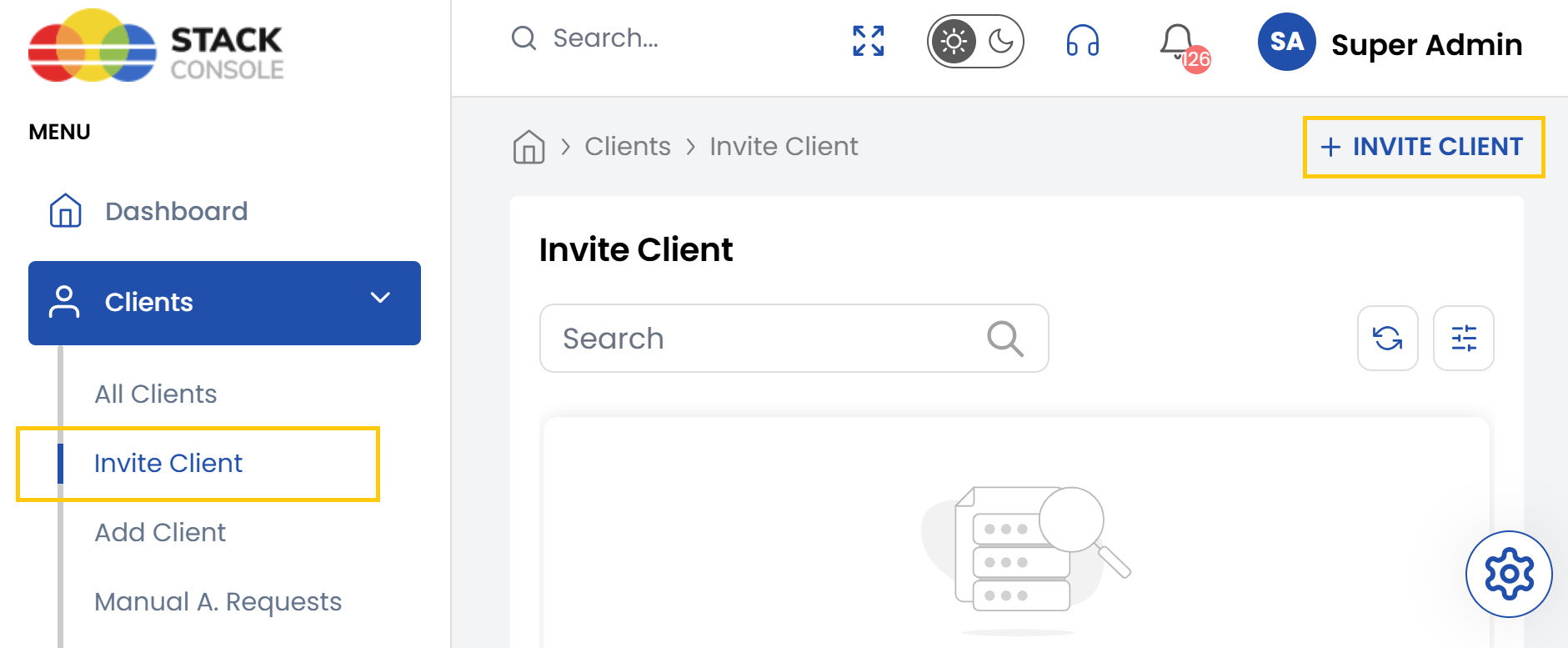
- On the left-hand side menu, locate the Clients drop-down menu
- Click on Invite Client to access the page
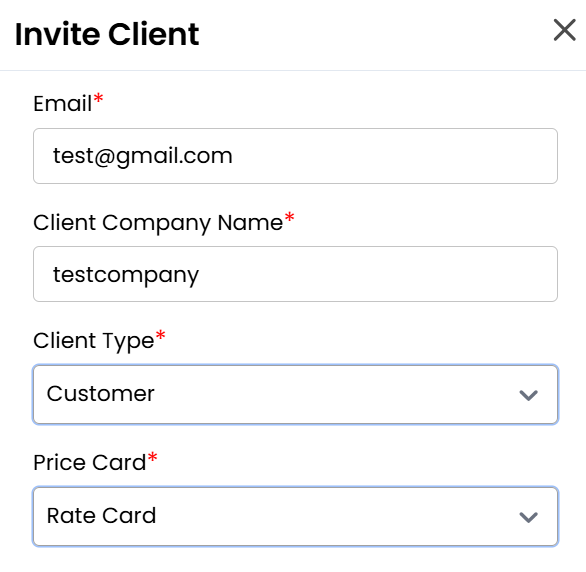
- Enter the name, email and client type.
- Select the rate card, the client’s currency for transactions and specify the branch associated with this client.
- Choose one of the following billing type from the options:
- Prepaid — Clients pay in advance for services.
- Postpaid — Clients are billed after services are rendered.
- Manual — Payments are handled manually outside automated billing systems.
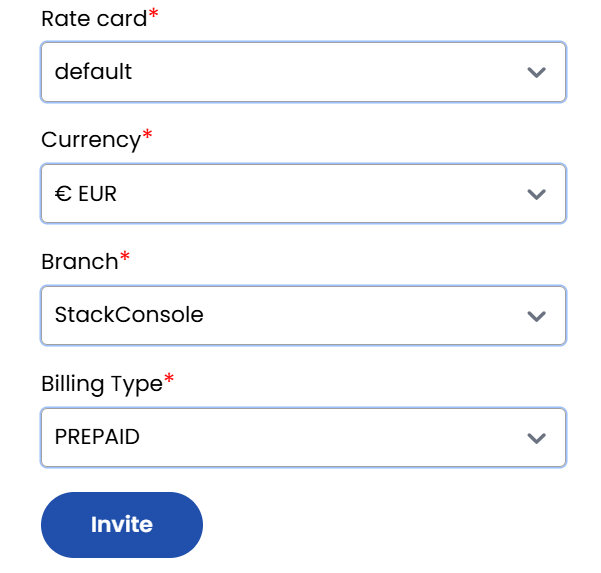
- After entering the required information, click Invite. The system will send an email invitation to the specified email address.
- Client invitation sent successfully. The invited client will receive registration instructions via email.
Conclusion
Inviting clients through the system provides a secure and efficient way to initiate account creation. By pre-configuring key settings and automating the invitation process, administrators can maintain control while offering a seamless onboarding experience.